
How to use Anatomy 3D Atlas
Two steps to get started: watch the video walkthrough of the app, then learn the gestures that control every 3D model.
Video tutorial
A guided walkthrough of the app, from the first screen to the tools you'll use most. Follow it at your own pace.
3D Navigation
Turn the model in any direction, zoom in on a single muscle fibre, tap a structure to isolate it. Five gestures give you full control of the atlas — no menus, no manual, no learning curve.

-
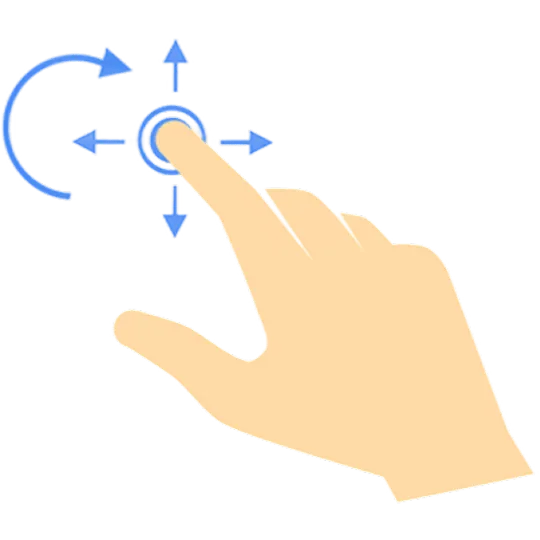
Rotate
Turn the model on any axis
-
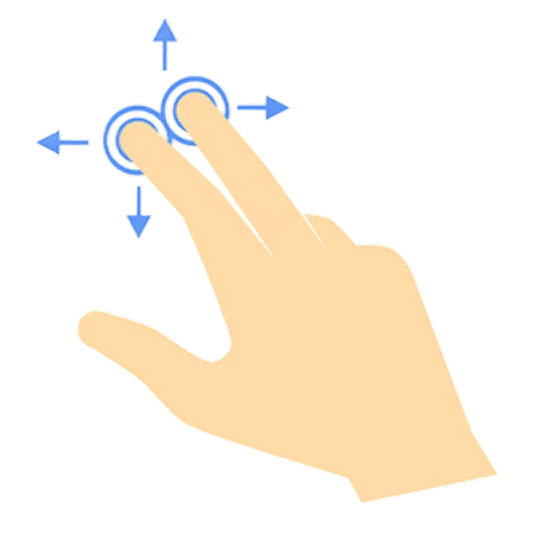
Move
Slide the model into view
-
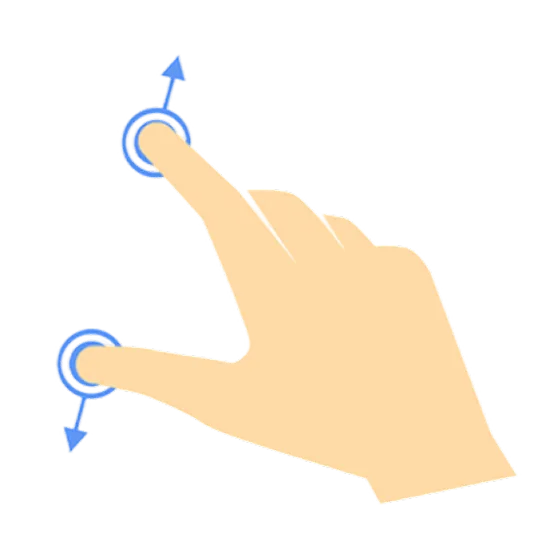
Zoom
Move in, pull back out
-

Select
Tap to open its data
-

Isolate
Keep one, clear the rest