Features
Every tool, one tap from the model
Every tool sits one tap from the model and gets out of the way once you're done. Layers, pins, transparency, search: all of it within reach while you work, none of it between you and the anatomy.
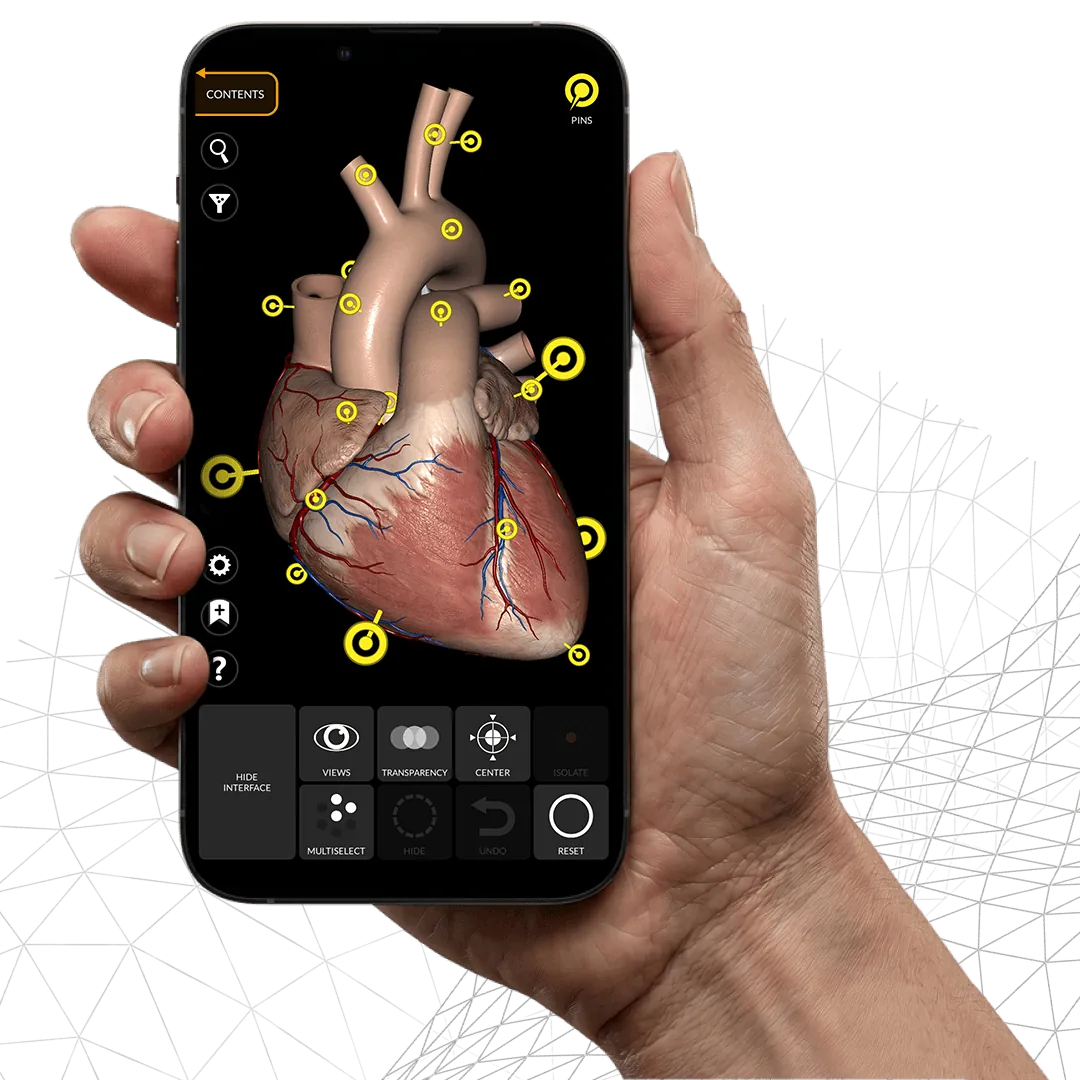
The app at a glance
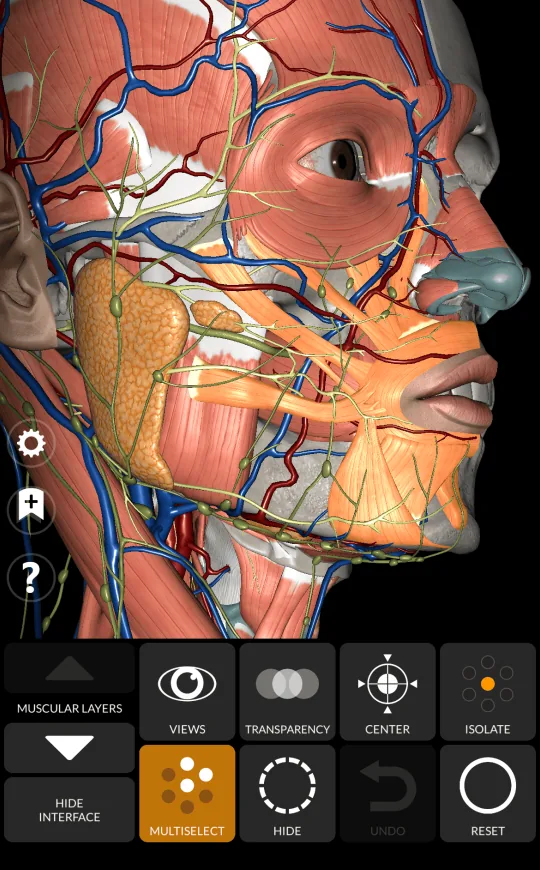
The main tools of Anatomy 3D Atlas, always within reach around the model. From muscle descriptions and layers to transparency and pins, each one helps you understand the structures of the human body. Select a feature to read more.
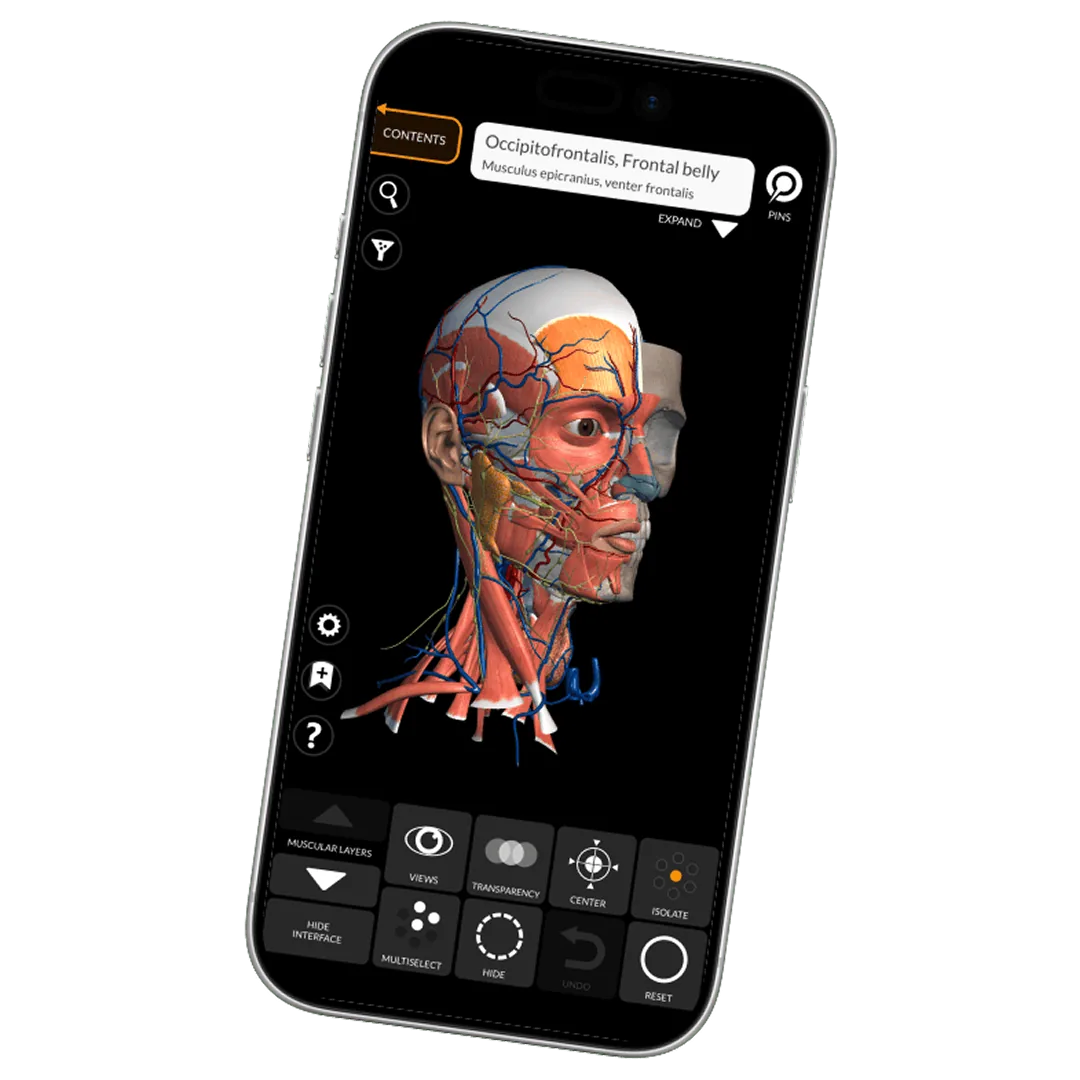
- Muscle description Origin, insertion, innervation, action
- Muscle layers From surface to the deepest layer
- Transparency Fade whatever sits in front
- Pins Labels sitting on the model itself
- Center view Re-centre rotation on your selection
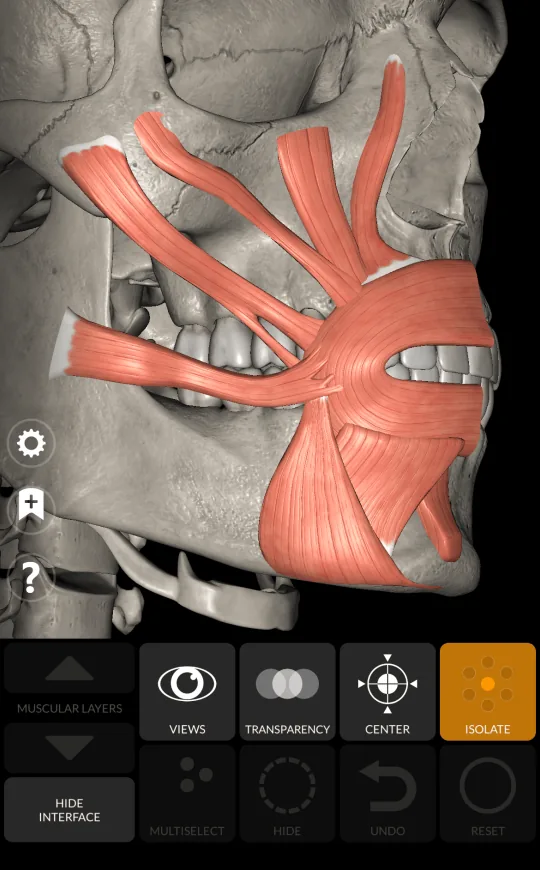
- Isolate Isolate the selected layer
- Hide Take a structure out of the way
- Multiselect Work on several structures at once
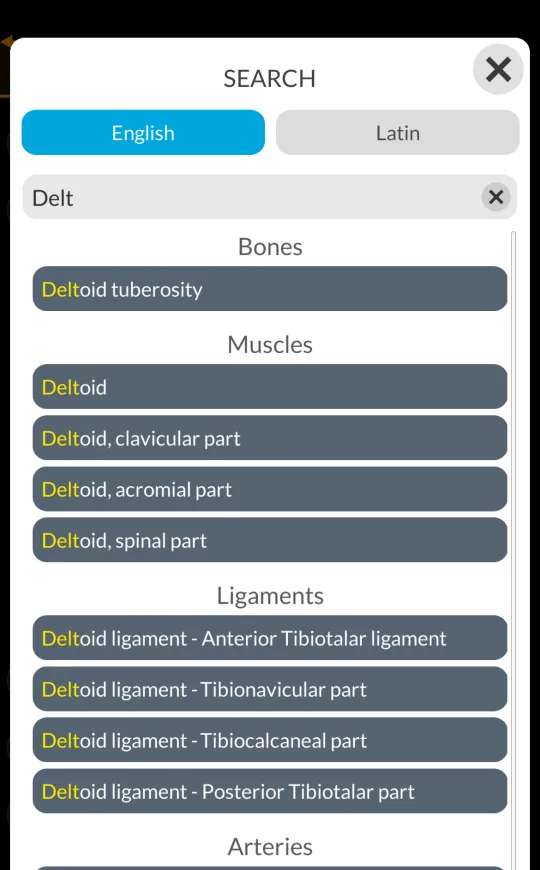
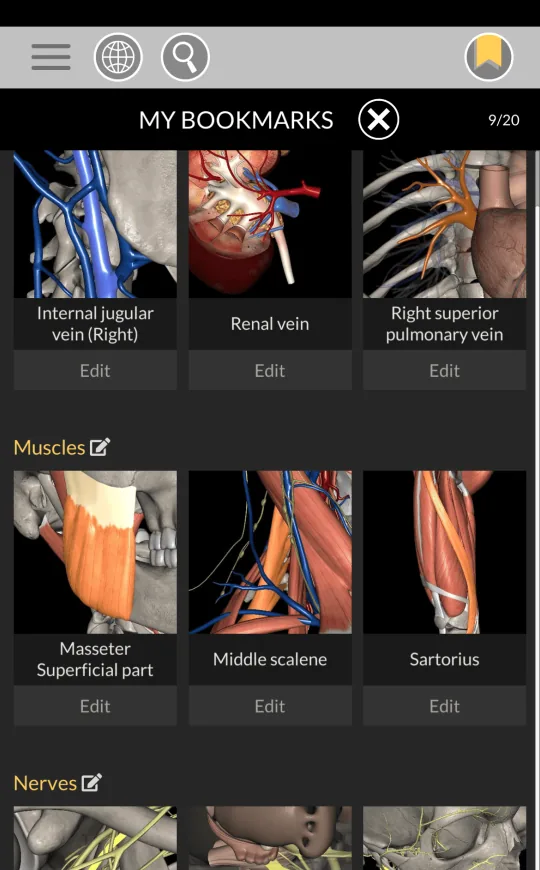
- Search and bookmarks Find it fast, save it for later
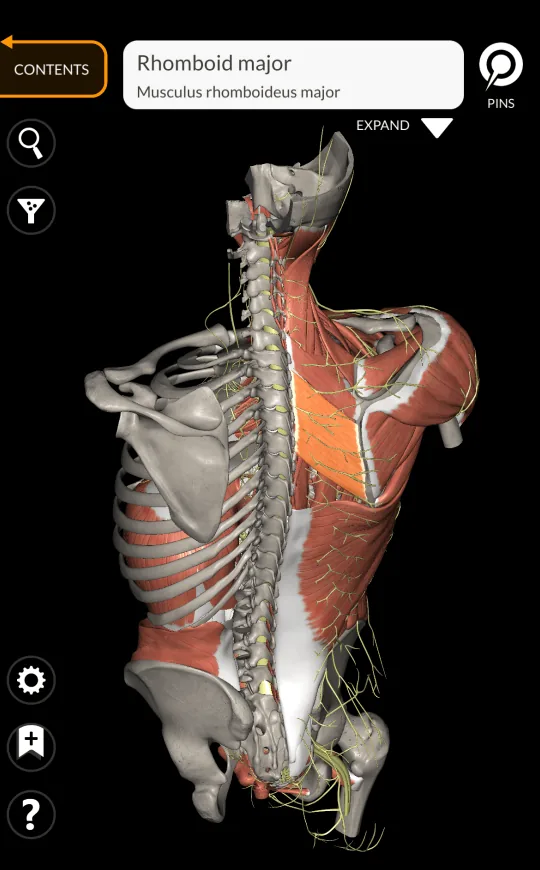
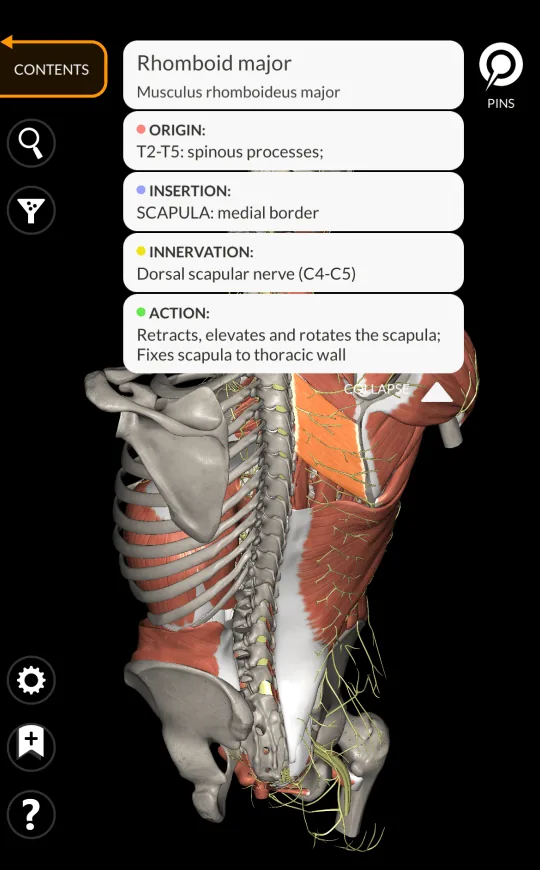
Muscle description
Info about muscles in 11 languages: name, origin, insertion, innervation and action.
Muscle layers
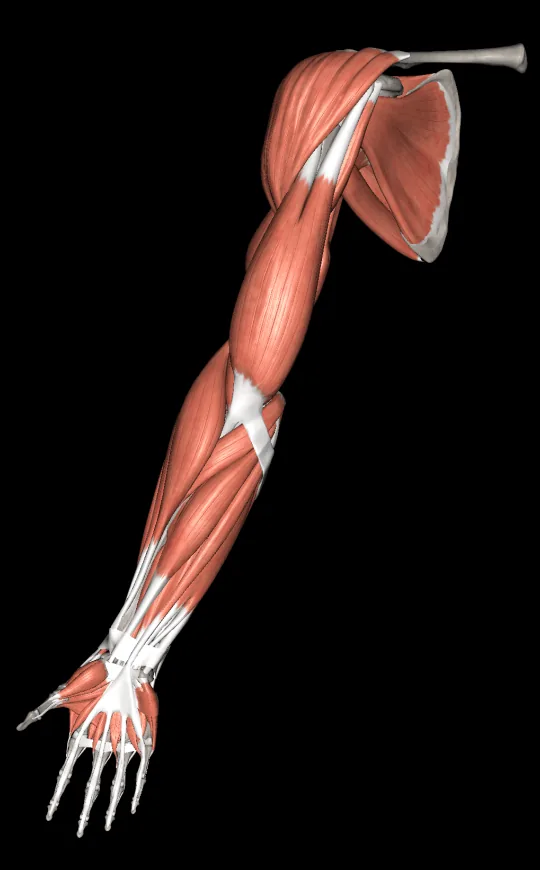
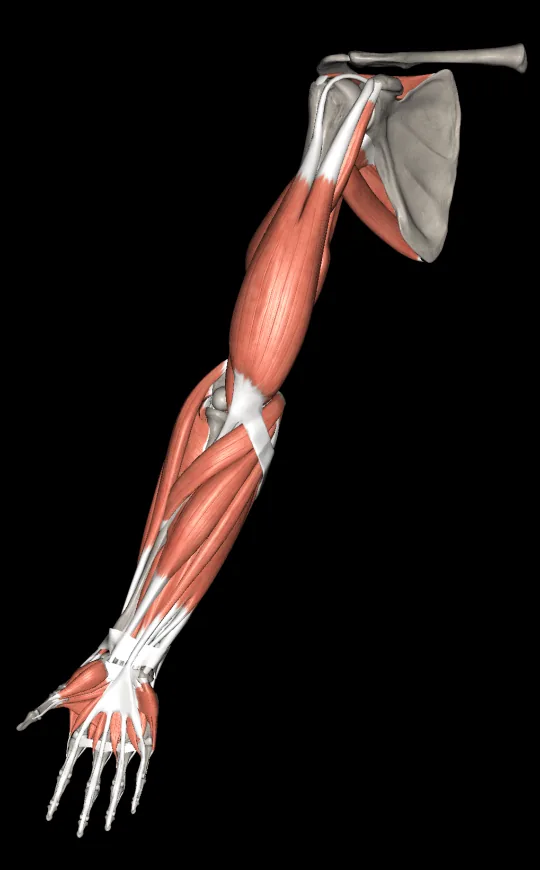
Go through muscle layers. From the most superficial to the deepest.
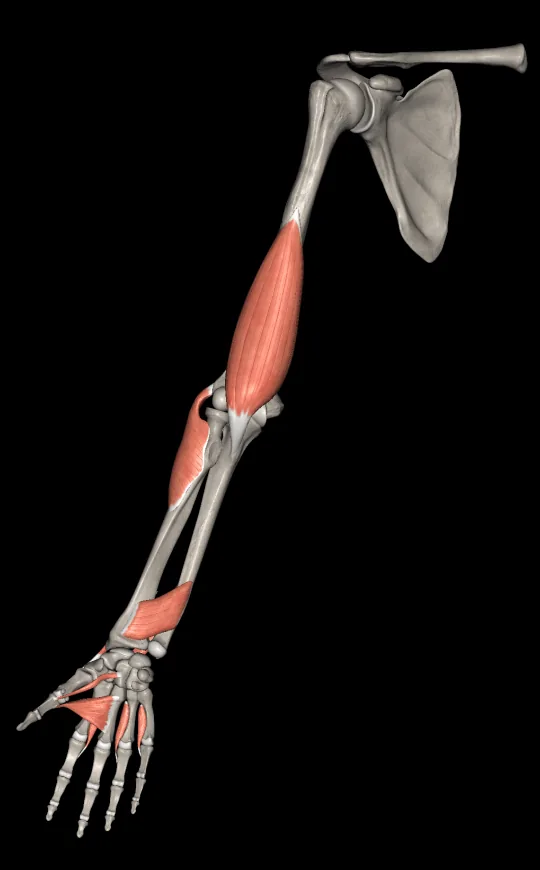
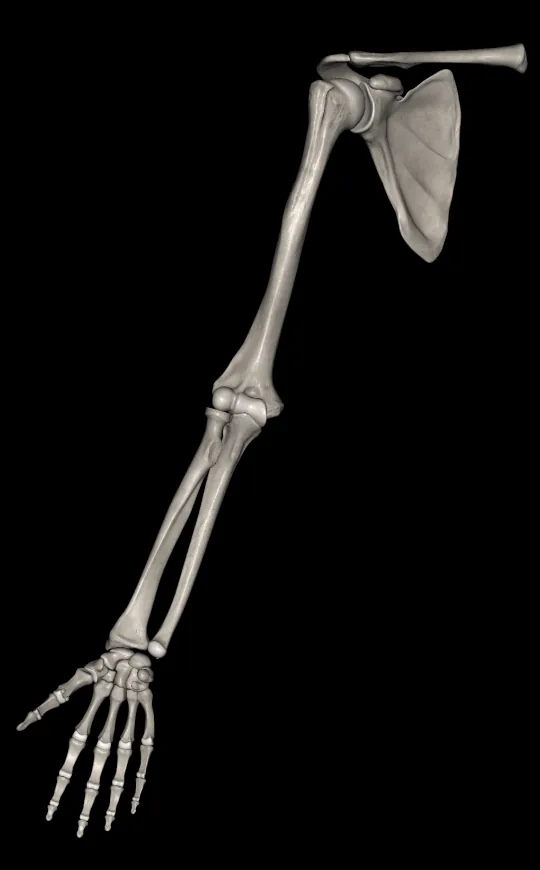
Transparency
You can apply transparency mode to better inspect your selected model.
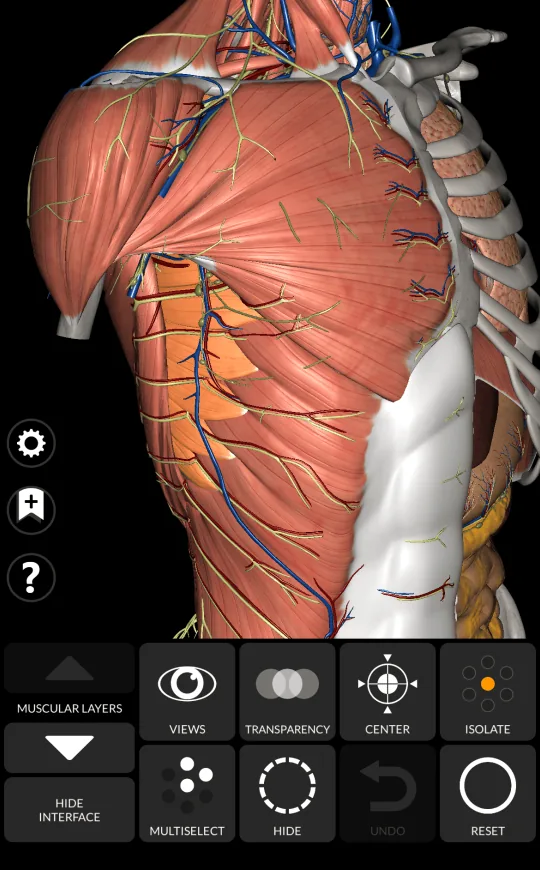
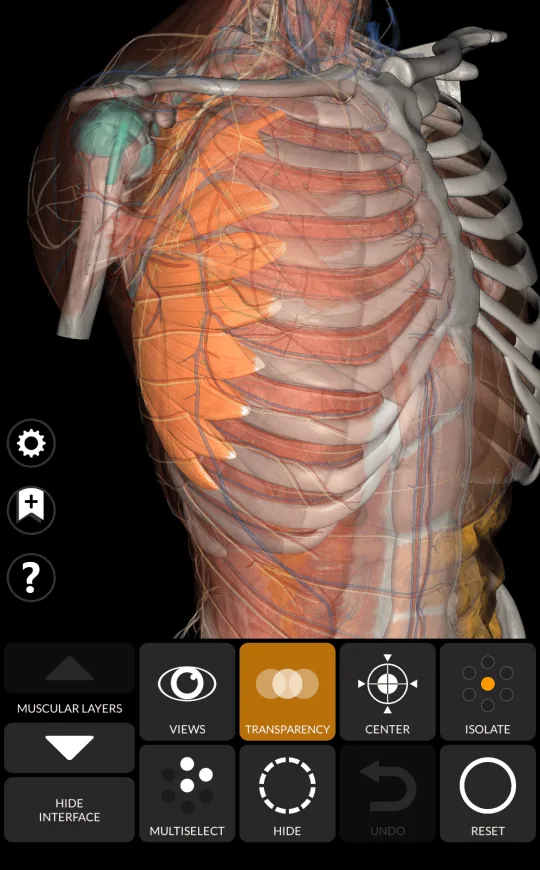
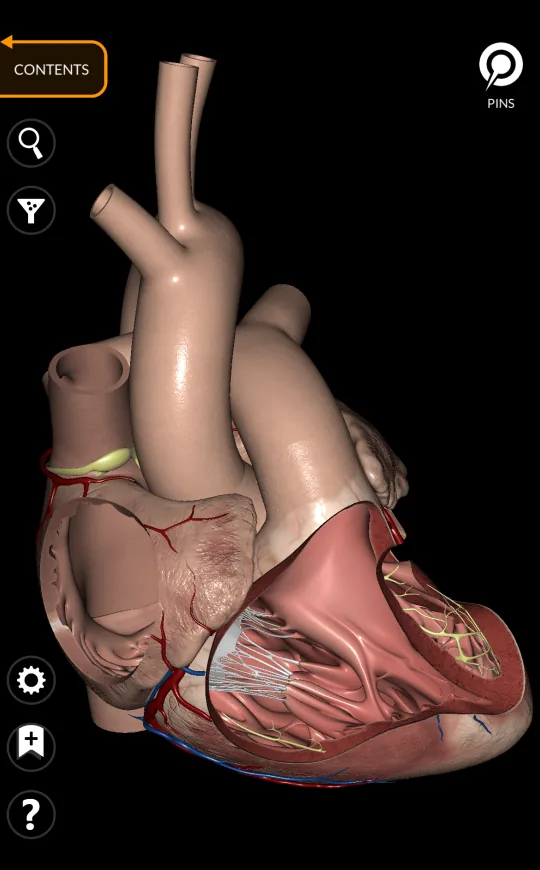
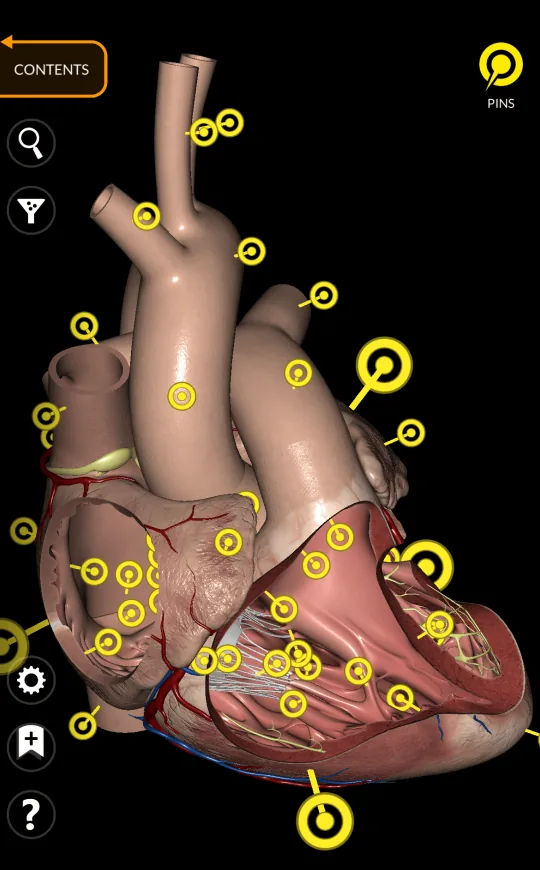
Pins
Show or hide all pins. Select a pin to show its relative term.
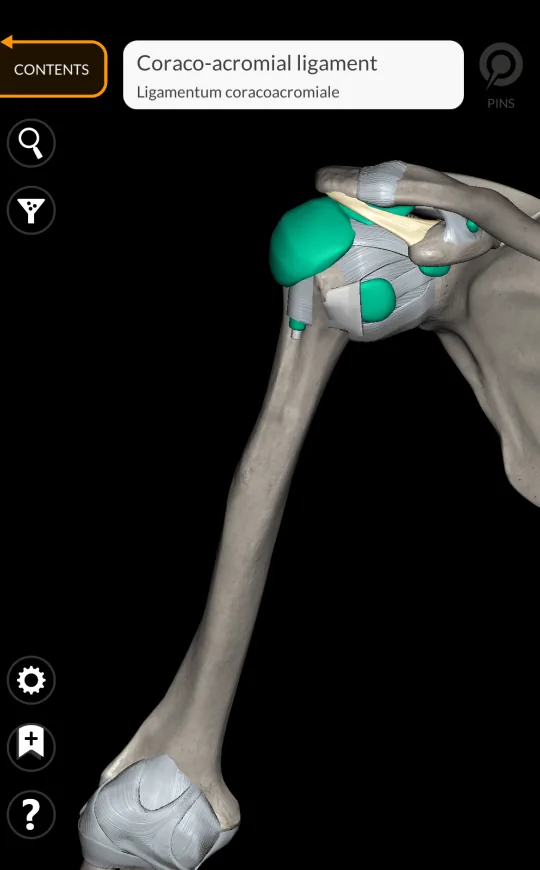
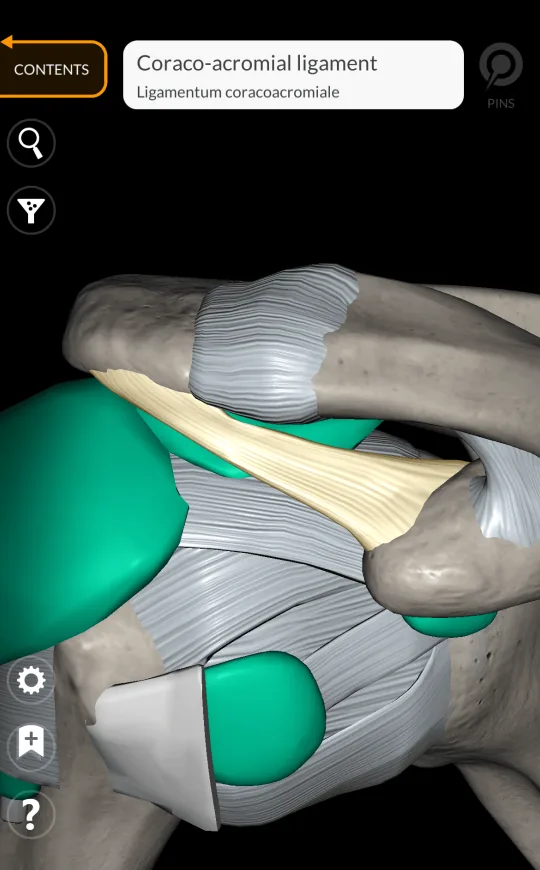
Center view
Frame the view on the selected models. Center the rotation on the selected items.
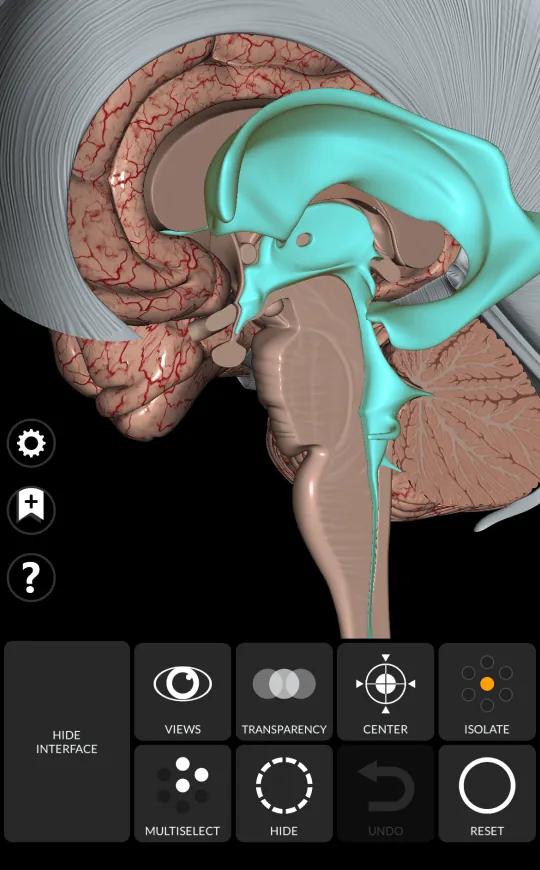
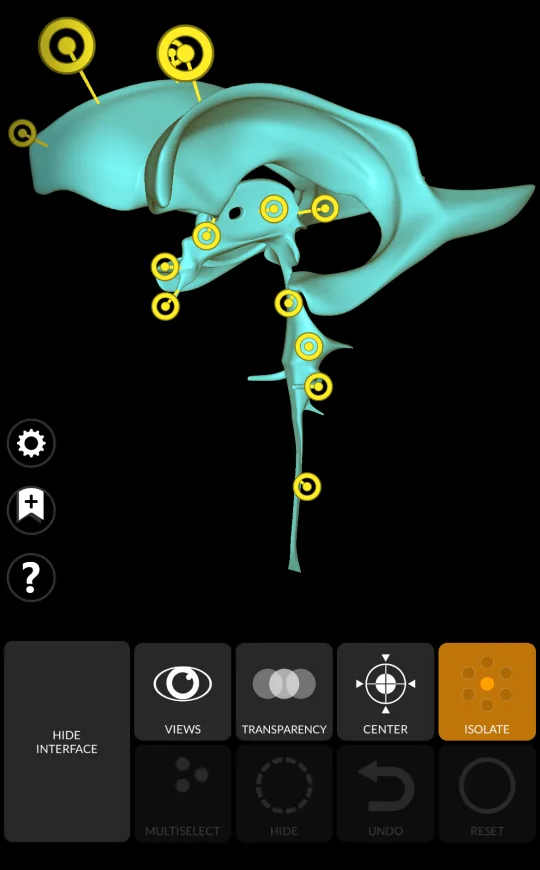
Isolate
Isolate the selected parts: everything else is hidden, so the structure can be studied on its own.
Hide
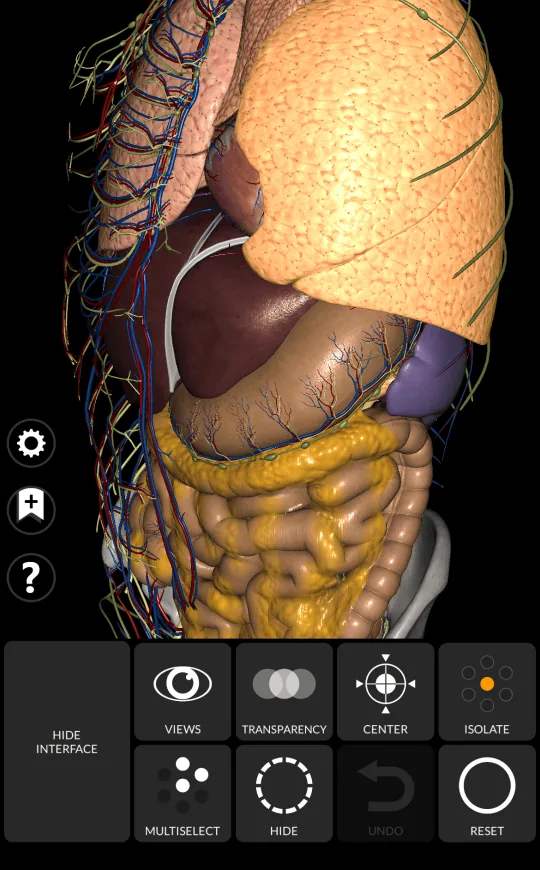
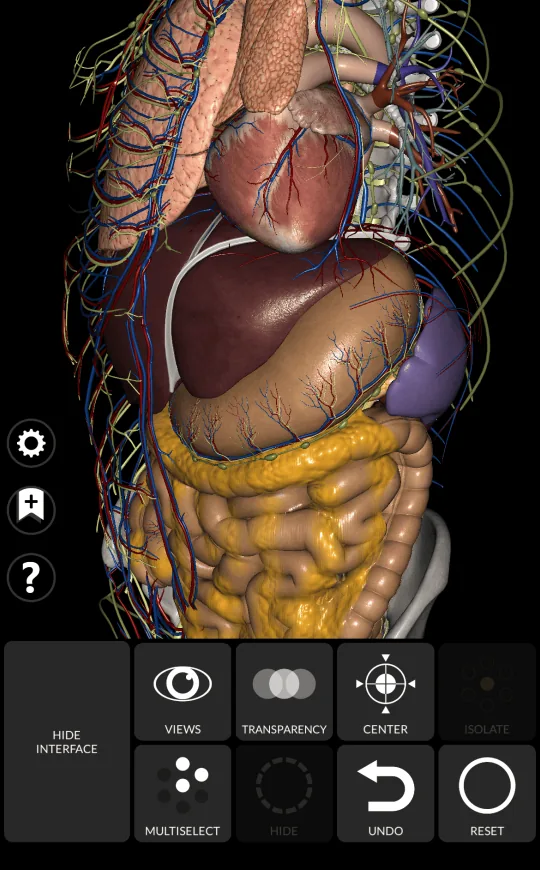
Hide the selected anatomical parts. You can easily focus on what you need.
Multiselect
Select multiple anatomical parts. Hide or isolate models will be effortless.
Search and bookmarks
Fast search will get you where you need. Save your work as bookmarks.